Team and devices · 28-second video
Install GarageDash on your phone
GarageDash runs in the browser, so there is nothing to download from an app store. Add it to your home screen and it opens like an app.
Or click through it at your own pace
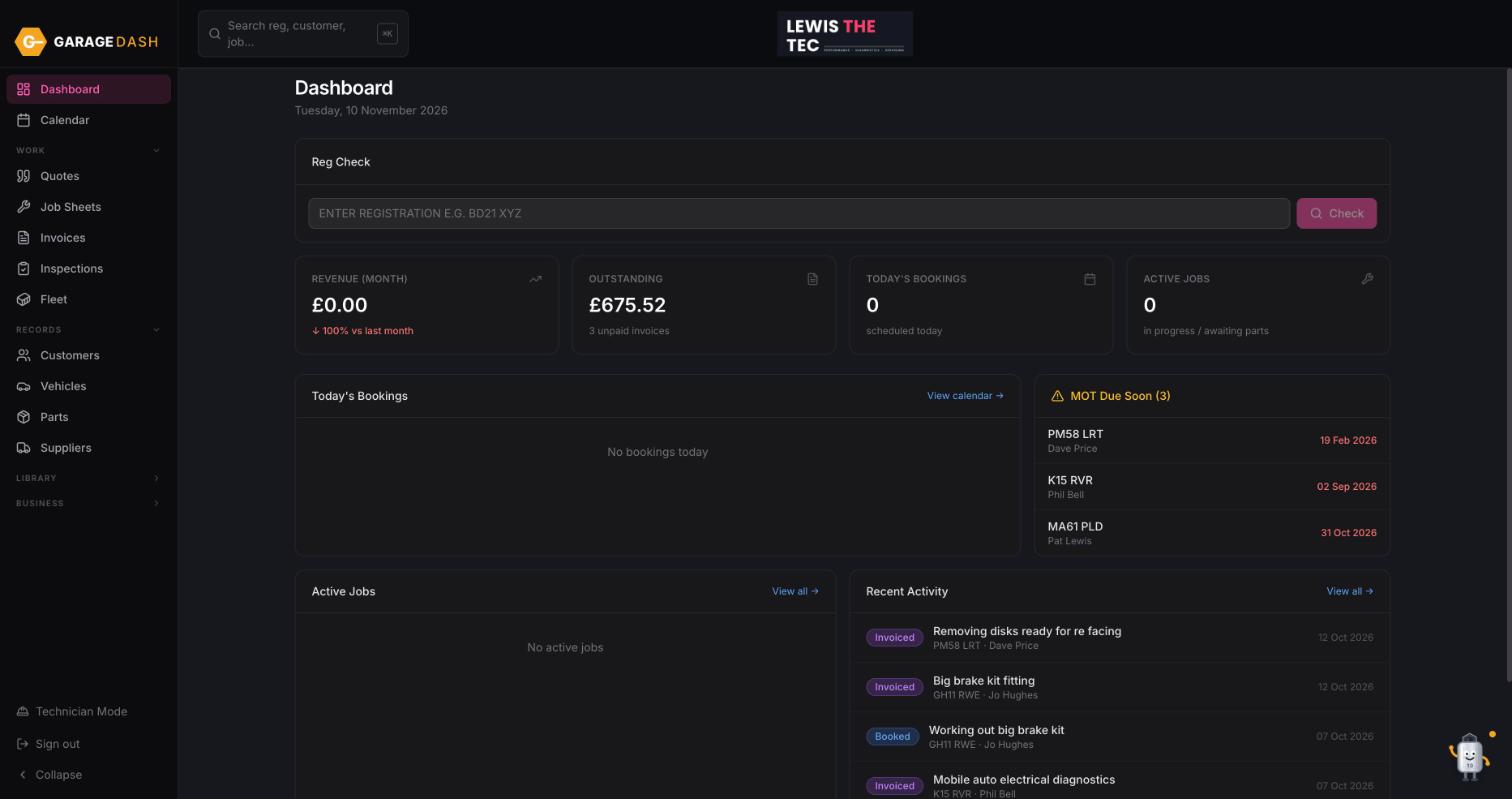
1
Open app.garagedash.co.uk in your phone browser
Use Safari on iPhone or Chrome on Android and sign in as normal.
2
iPhone: Share, then Add to Home Screen
Tap the Share button at the bottom of Safari (the square with an arrow), scroll down and tap Add to Home Screen, then Add. GarageDash appears on your home screen with its own icon.
3
Android: tap Install
Chrome shows an Install bar at the bottom; tap it. If it does not appear, open the Chrome menu (three dots) and tap Install app or Add to Home screen.
4
Same account, same data
It is the same GarageDash as on the desktop. Book a job on the phone and it is on the workshop screen straight away.
All the steps on one page
- Open app.garagedash.co.uk in your phone browser. Use Safari on iPhone or Chrome on Android and sign in as normal.
- iPhone: Share, then Add to Home Screen. Tap the Share button at the bottom of Safari (the square with an arrow), scroll down and tap Add to Home Screen, then Add. GarageDash appears on your home screen with its own icon.
- Android: tap Install. Chrome shows an Install bar at the bottom; tap it. If it does not appear, open the Chrome menu (three dots) and tap Install app or Add to Home screen.
- Same account, same data. It is the same GarageDash as on the desktop. Book a job on the phone and it is on the workshop screen straight away.
More guides
Set up your garage in ten minutes10 min · 6 stepsAdd a customer and their car3 min · 5 stepsLet new customers add themselves2 min · 4 stepsBook a job into the calendar2 min · 4 stepsQuote, then job sheet, then invoice4 min · 5 stepsPreset jobs: build them once, quote in seconds3 min · 3 stepsMark an invoice paid or part paid1 min · 3 stepsDo a vehicle health check and email it4 min · 4 stepsTechnician Mode on a workshop tablet2 min · 4 stepsAdd technicians, shifts and time off2 min · 3 stepsSwitch on MOT reminders1 min · 4 stepsAsk Timmy to do it for you1 min · 3 steps